Fire Drill Records
Record participation, evacuation timing, observations, notes and corrective actions. Keep drill history alongside recurring fire-safety records and download drill reports.
 Request a Free Assisted Pilot
Digital Fire Logbook
Keep fire drill records, recurring fire-safety checks, deficiencies, photos, locations and downloadable monthly PDF records together.
We’ll help configure your first location and get you started with your first records. No credit card required.
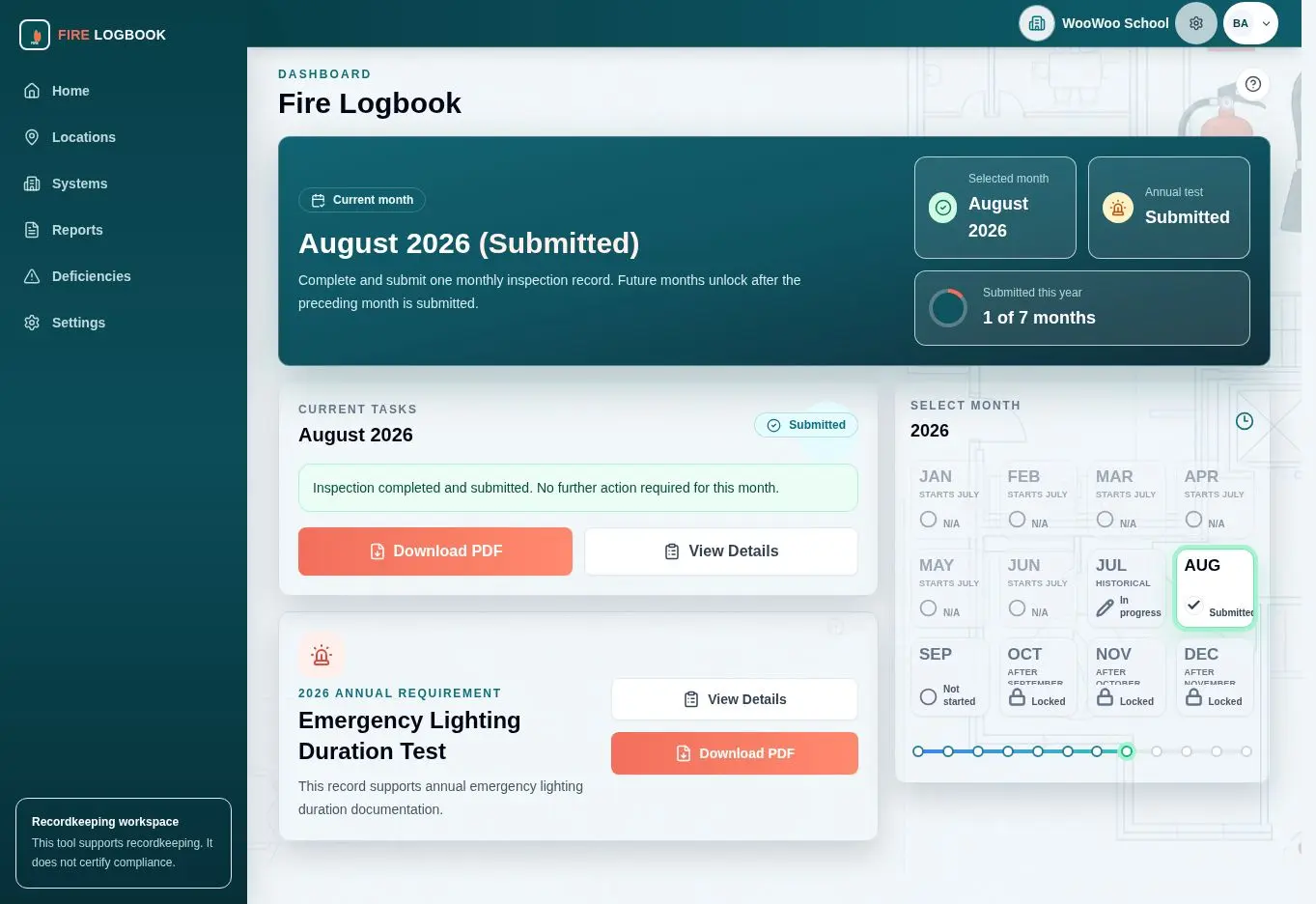
The dashboard keeps due, submitted, failed, and follow-up states visible while the record remains connected to locations and monthly inspection history.
Watch the Demo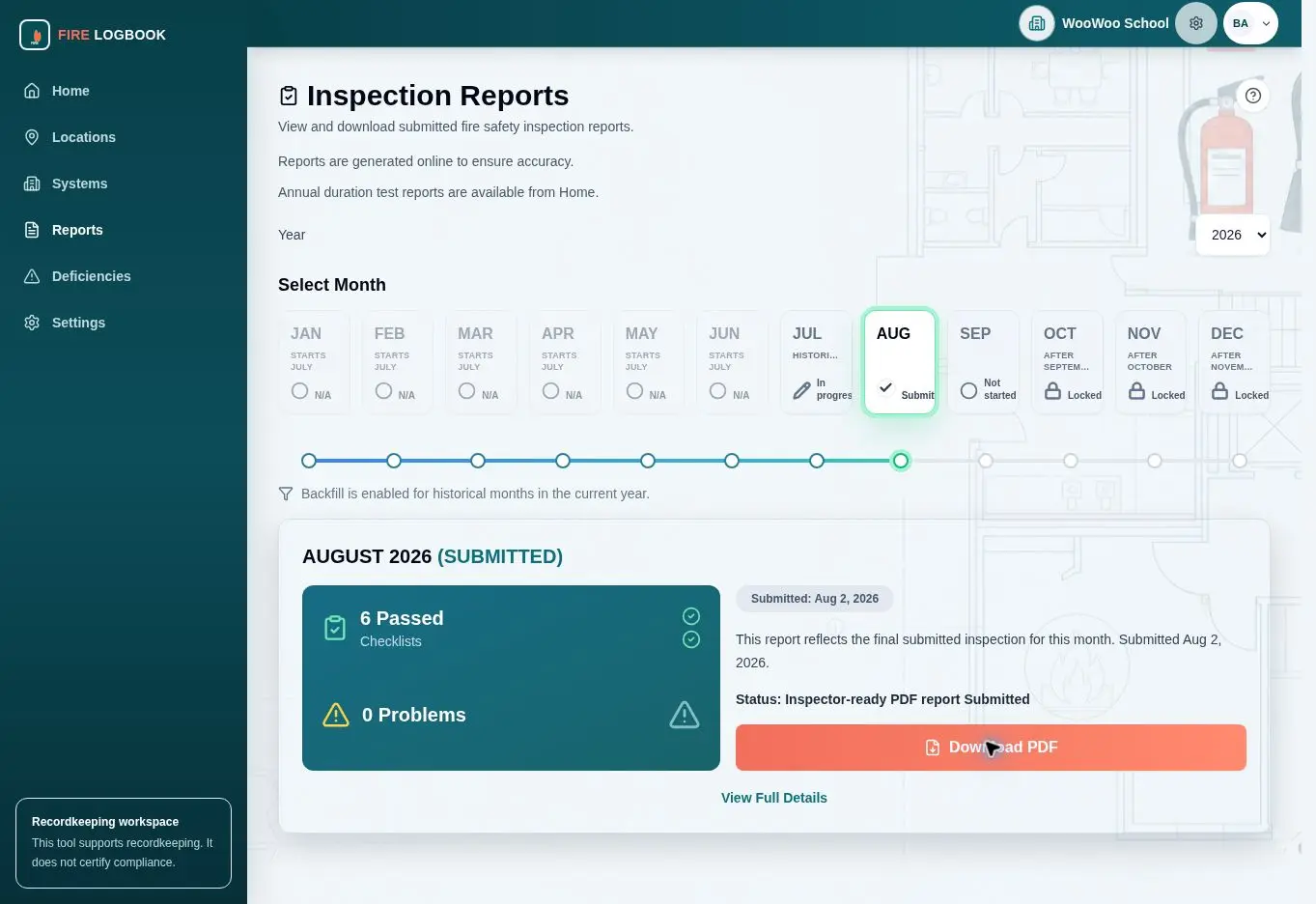
NiktaFire focuses on recordkeeping details that teams need to complete, review, and export later.
Record participation, evacuation timing, observations, notes and corrective actions. Keep drill history alongside recurring fire-safety records and download drill reports.
When enabled for your organization, maintain extinguisher records and monthly checks, and record fire-door and separation checks. These records support follow-up; they do not replace required professional inspections or service.
Capture consistent results for recurring fire-safety checks without relying on paper forms or informal tracking.
Track emergency lighting and exit-light status by practical building location.
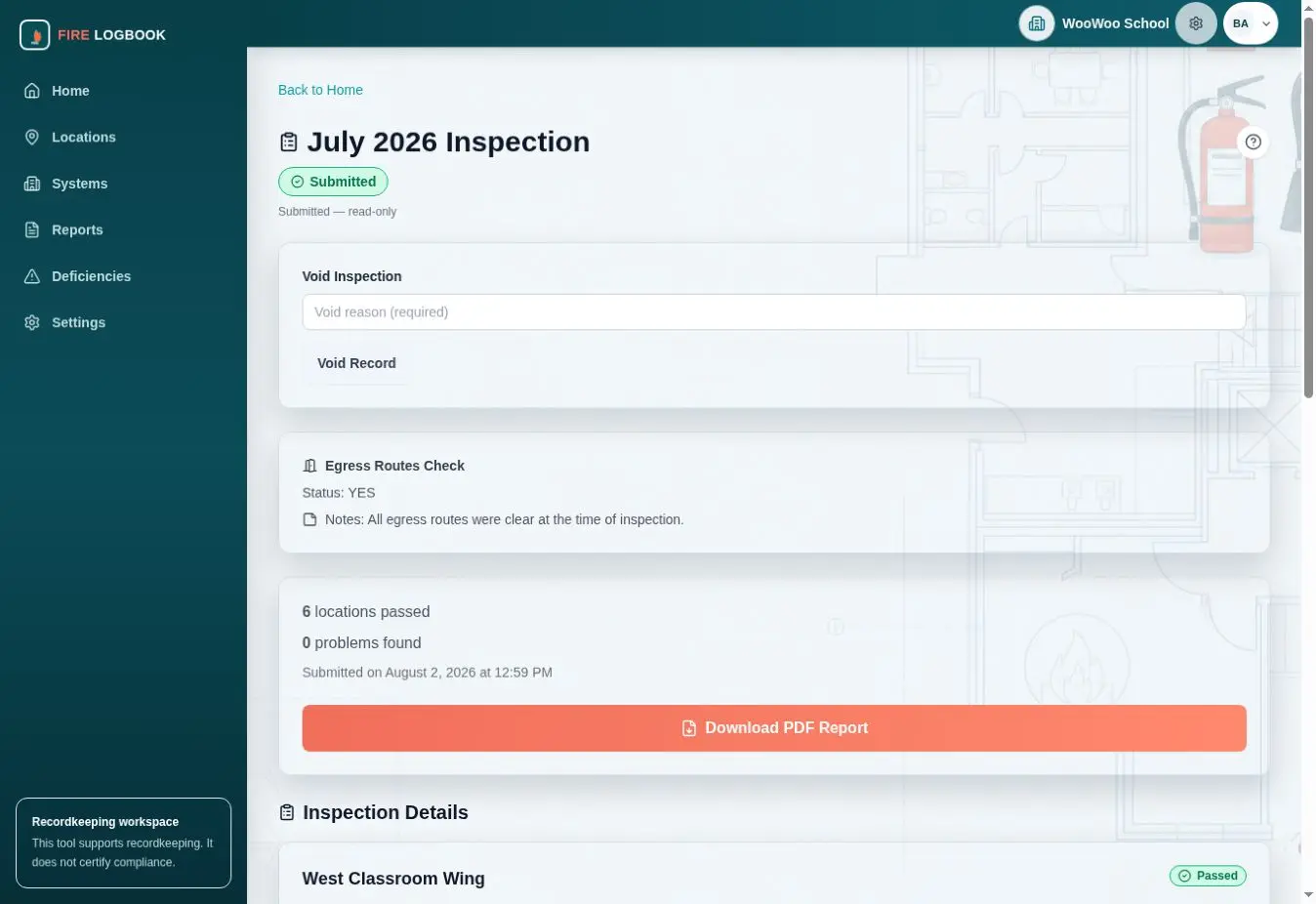
Add notes when an item needs attention so follow-up context is visible later.
Keep issue photos connected to the record instead of storing them in separate folders or messages.
Organize inspection history by building, room, floor, area, or asset group.
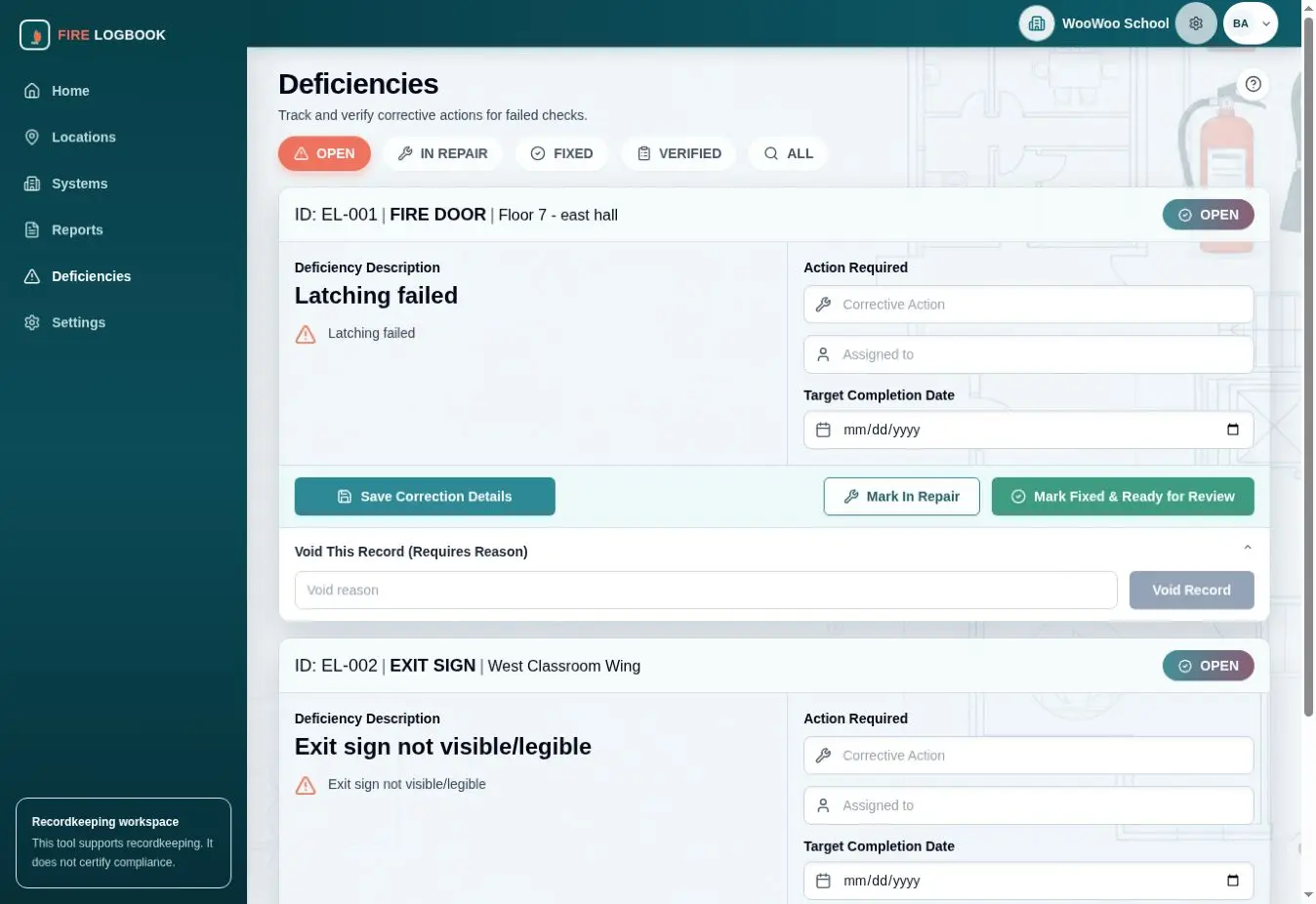
Review completed, pending, failed, and follow-up items without manually collecting status updates.
Structured records reduce the manual work of collecting notes, photos, status, and location details from separate sources.
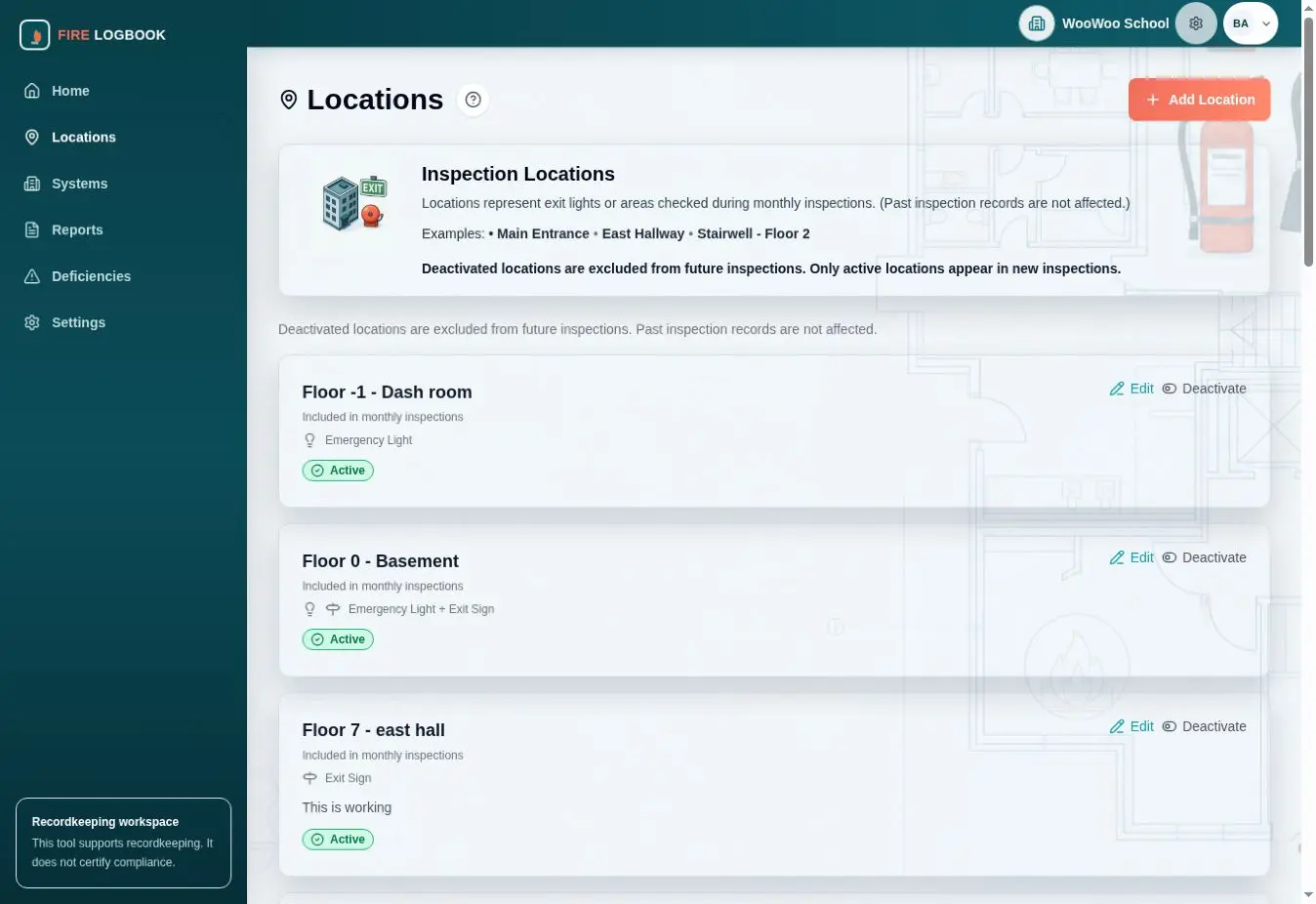
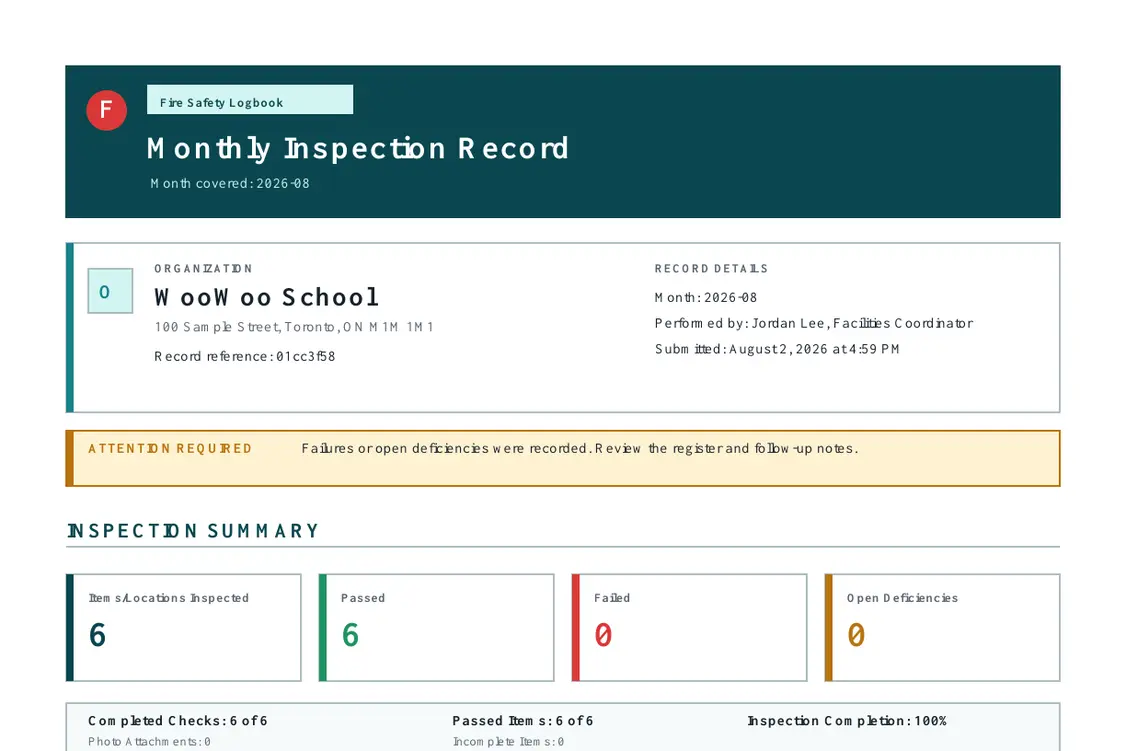
Showing slide 1 of 5.
Practical answers for teams comparing digital fire-safety recordkeeping with paper logs and spreadsheets.
NiktaFire keeps fire drill records, recurring inspection results, locations, failed-item notes, photos, completion status, deficiency follow-up and monthly PDF records together.
It is designed for organizations such as private schools, daycares, community and recreation facilities, places of worship, small commercial buildings and multi-unit residential properties.
Yes. Submitted inspection information can be exported as a structured monthly PDF record for review and filing.
No. NiktaFire supports recordkeeping and does not replace legal, professional, regulatory, maintenance or required inspection obligations.
NiktaFire supports organizations that need practical fire safety recordkeeping without adding a generic task-management platform.
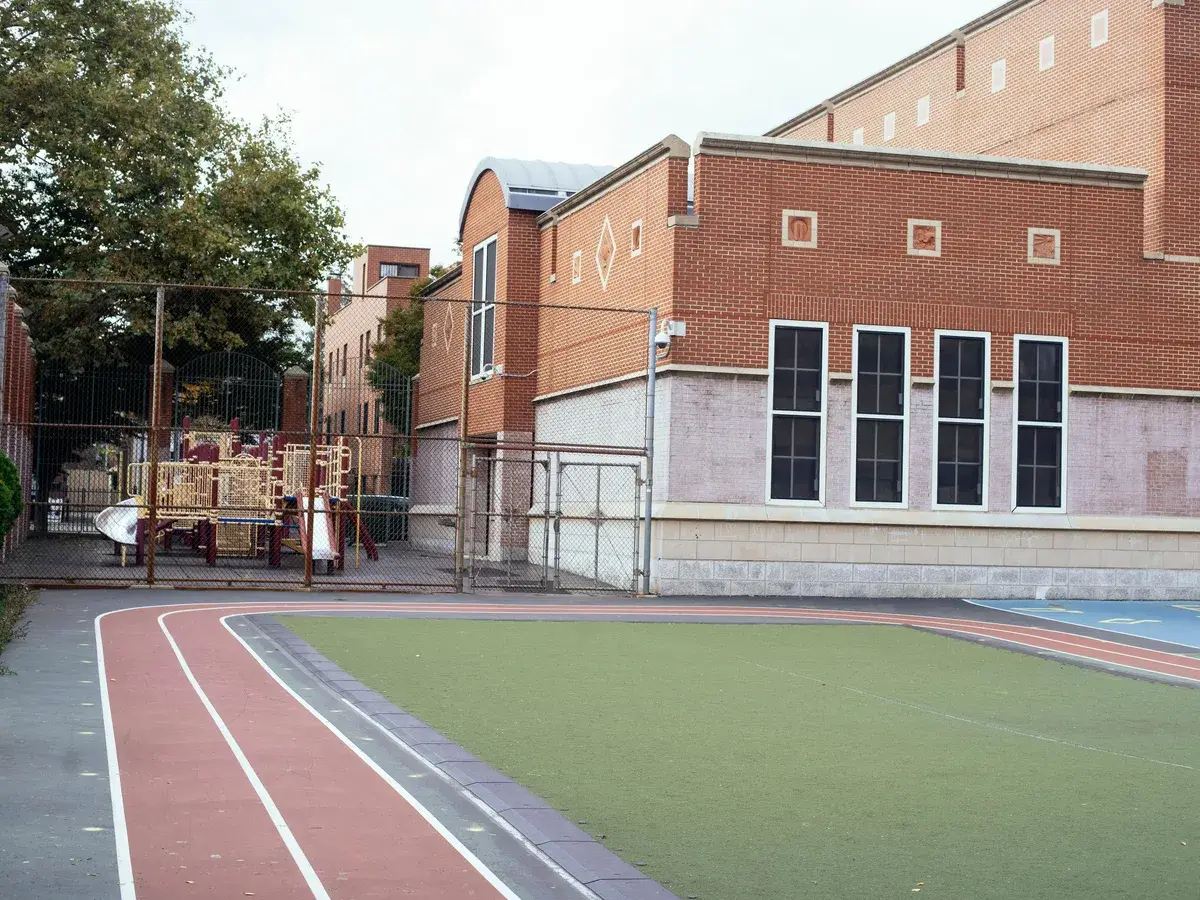
Keep fire drill records, recurring checks, deficiencies and photos organized across school locations, with downloadable monthly records.
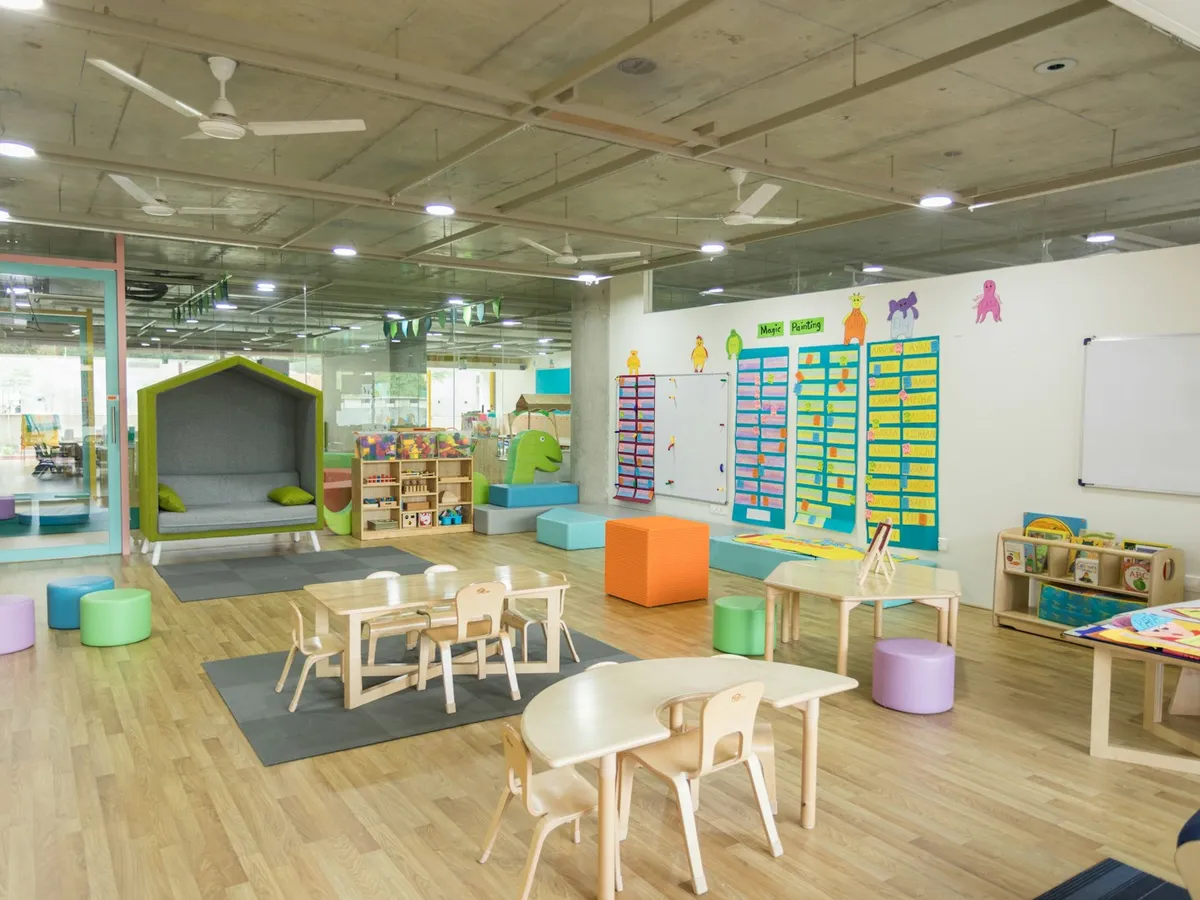
Organize fire drills, recurring checks, deficiencies, photos and monthly records. Read the Ontario childcare guide.
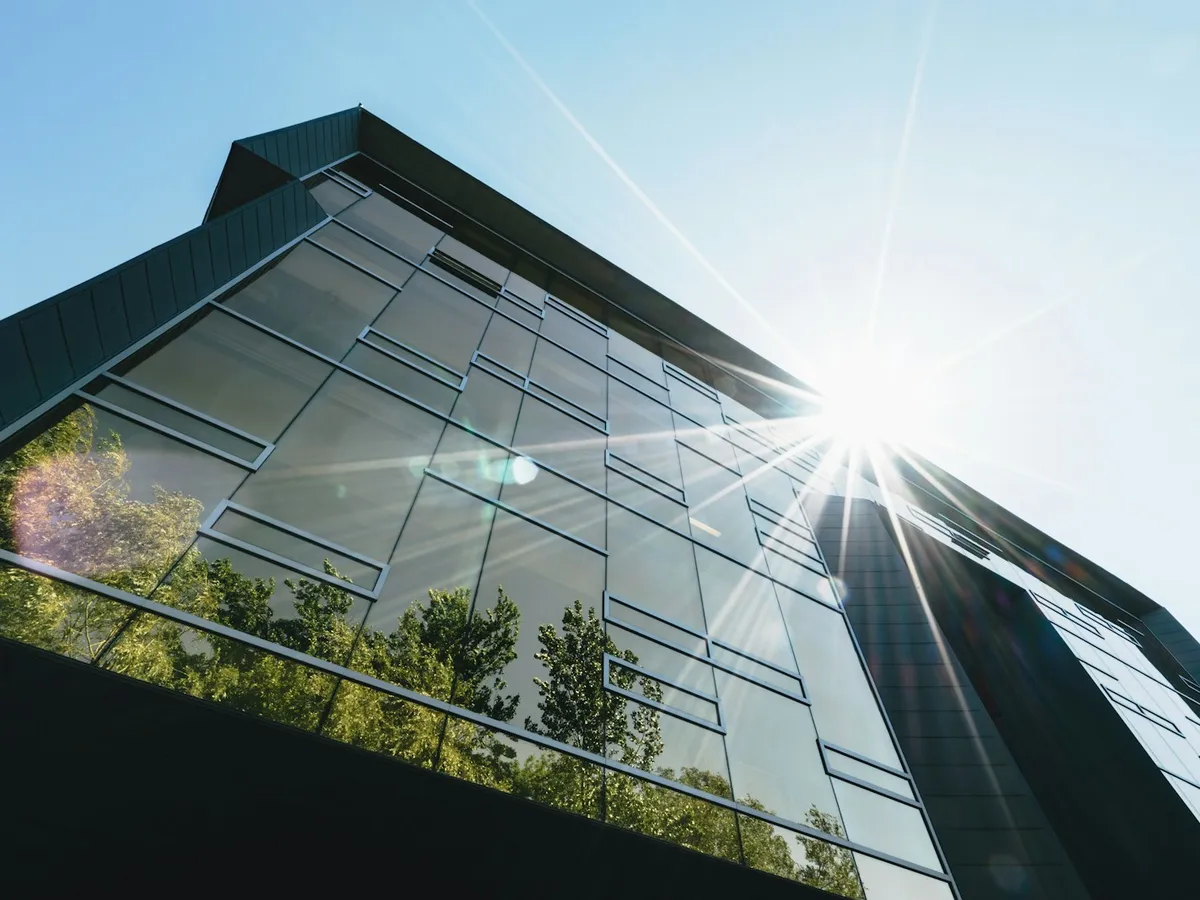
Track recurring checks by room, floor, exit, or equipment location.
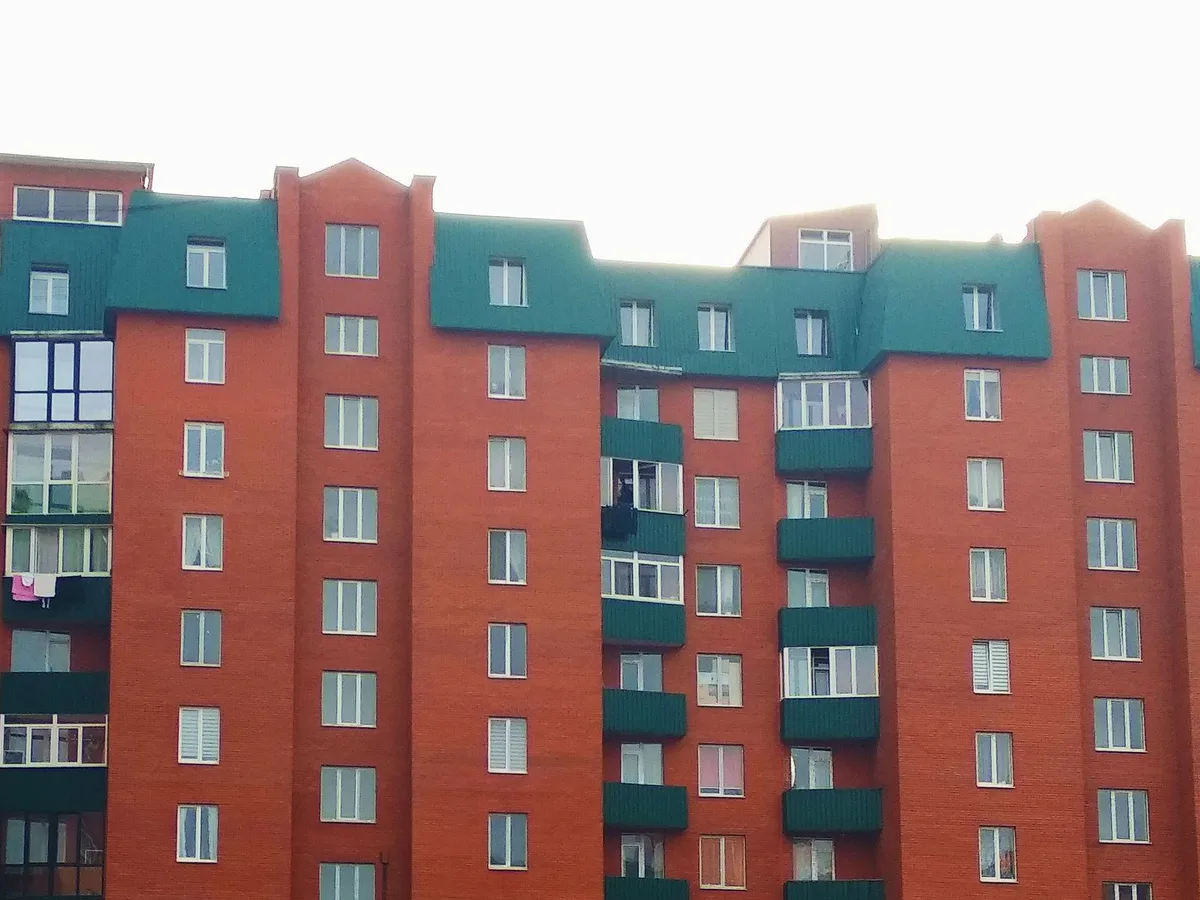
Keep common-area inspection records organized across corridors, stairwells, and shared exits.
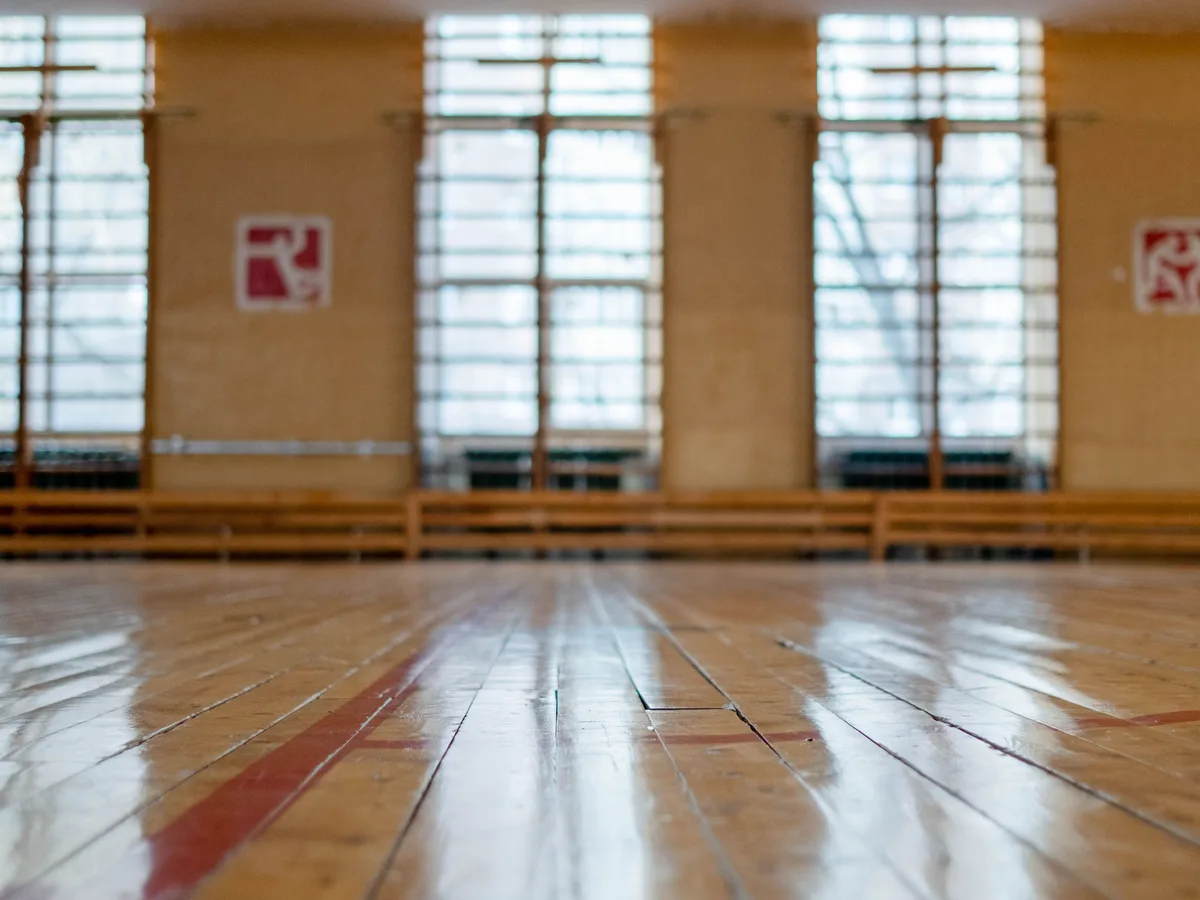
Manage recurring records across gyms, courts, activity rooms, common areas, and public exits.
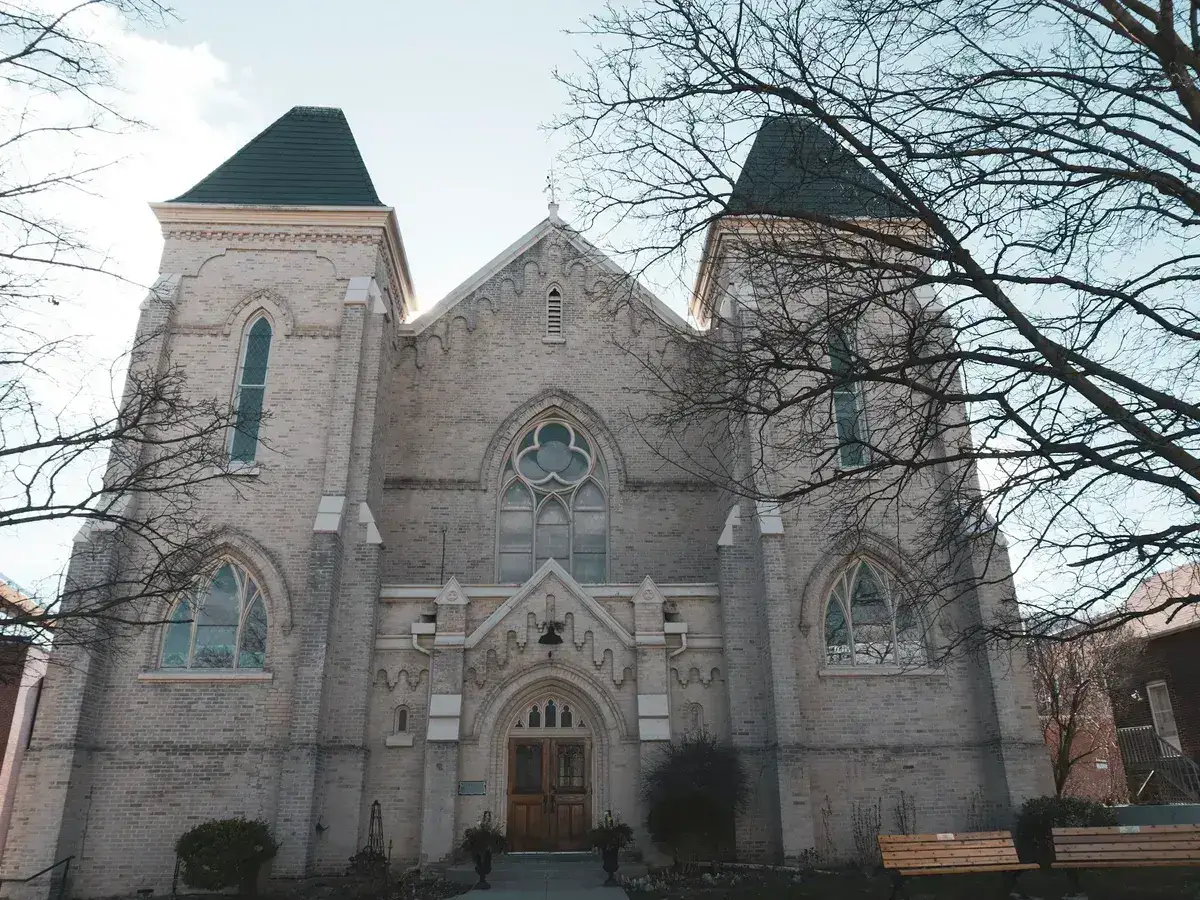
Maintain straightforward inspection records for churches, halls, offices, and shared gathering spaces.
Watch the Demo or contact Niktasoft about your facility type and current recordkeeping process.